
Forex & currency CFDs
Trade majors, minors, and crosses with swap-free pricing on every account. EURUSD, GBPUSD, USDJPY, and regional pairs sit on the same MetaTrader 5 watchlist, with market execution and transparent spread-plus-commission options.
Platforms
Install the official terminal, open the Web Terminal in a browser, or trade from iOS and Android. One Yaamifx login covers charts, Expert Advisors, and copy trading.

The full terminal: up to 100 charts, 21 timeframes, Depth of Market, Expert Advisors, and the strategy tester. Built for traders who want one login across forex, metals, indices, energies, and crypto CFDs.
After you open a live or demo account, install MetaTrader 5 and log in with the server details from your Client Area. The same credentials work in the Web Terminal and the mobile apps.
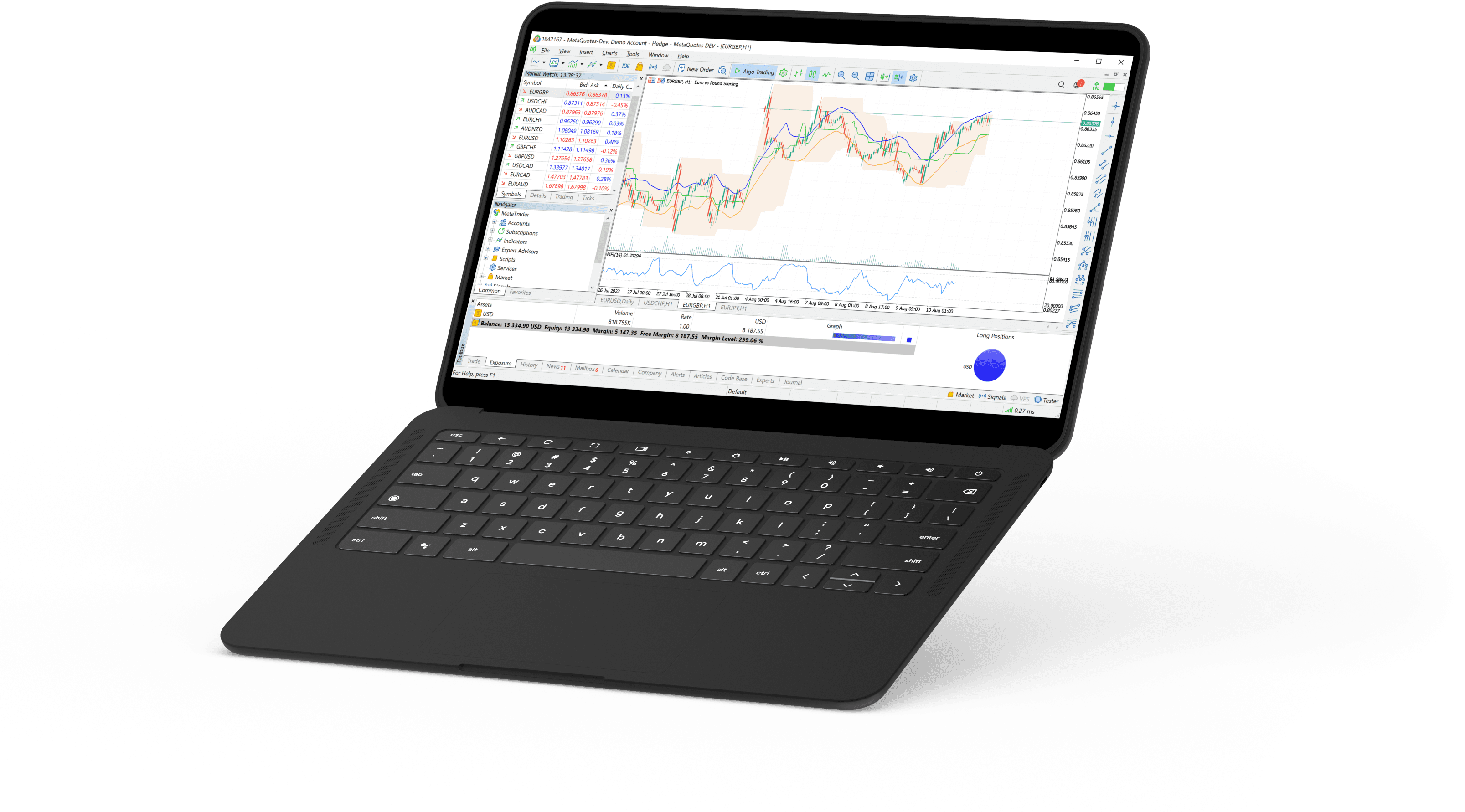
MetaTrader 5 is how you access the Yaamifx book: forex, gold, CFDs, swap-free accounts, copy trading, and analysis tools from one login.
Trade majors, minors, and crosses with swap-free pricing on every account. EURUSD, GBPUSD, USDJPY, and regional pairs sit on the same MetaTrader 5 watchlist, with market execution and transparent spread-plus-commission options.
XAUUSD is a first-class instrument at Yaamifx, with contract sizes that work for a first micro lot and for more active gold strategies. Metals follow the same swap-free default as the rest of the book.
US30, oil, BTCUSD, ETHUSD, and related CFDs share one login with forex and gold. Use the same charts, order types, and risk tools across asset classes instead of splitting your workflow.
Core, Prime, Elite, and Micro all start without overnight interest. There is no separate Islamic request queue. Confirm instrument-level exceptions in the Client Area before holding through the rollover.
Desktop, Web Terminal, iOS, and Android. Twenty-one timeframes, Depth of Market, hedging and netting, Expert Advisors, and a multi-currency strategy tester. One Client Area login follows you across devices.
Subscribe to strategy providers inside MetaTrader 5. Filter by growth, drawdown, and activity, then copy trades into your own account while you keep stop levels and position size under your control.
Use the built-in economic calendar, 80+ technical indicators, and MQL5 live quotes on this site. Fundamental releases and chart work stay next to the ticket, so you can plan around news without leaving the platform.
Deposit and withdraw through cards, e-wallets, bank transfer, and regional wallets in the Client Area. Optional VPS keeps EAs online. Introducing Brokers earn per-lot rebates with bilingual creatives and portal reporting.
The MetaQuotes stack, connected to Yaamifx. Technical work, news, automation, and copy trading stay in one terminal.
Read every move from M1 through monthly. Open up to 100 charts at once and keep the same layout across sessions.
Built-in indicators, drawing objects, and Depth of Market. Layer technical work on the same ticket you trade from.
Market, pending, and stop orders, plus trailing stops. Hedging and netting are both available, with Instant, Request, Market, and Exchange execution modes.
Write and run Expert Advisors in MQL5, test them in the multi-currency strategy tester, then host them on optional VPS if you need them online overnight.
The economic calendar lives inside the MetaTrader 5 terminal, so news, forecasts, and previous prints sit next to your watchlist.
MQL5 Signals lets you subscribe to providers and mirror trades in your own account, with your own risk limits still in force.
When you cannot install the desktop terminal, the browser and phone apps keep the same account live.
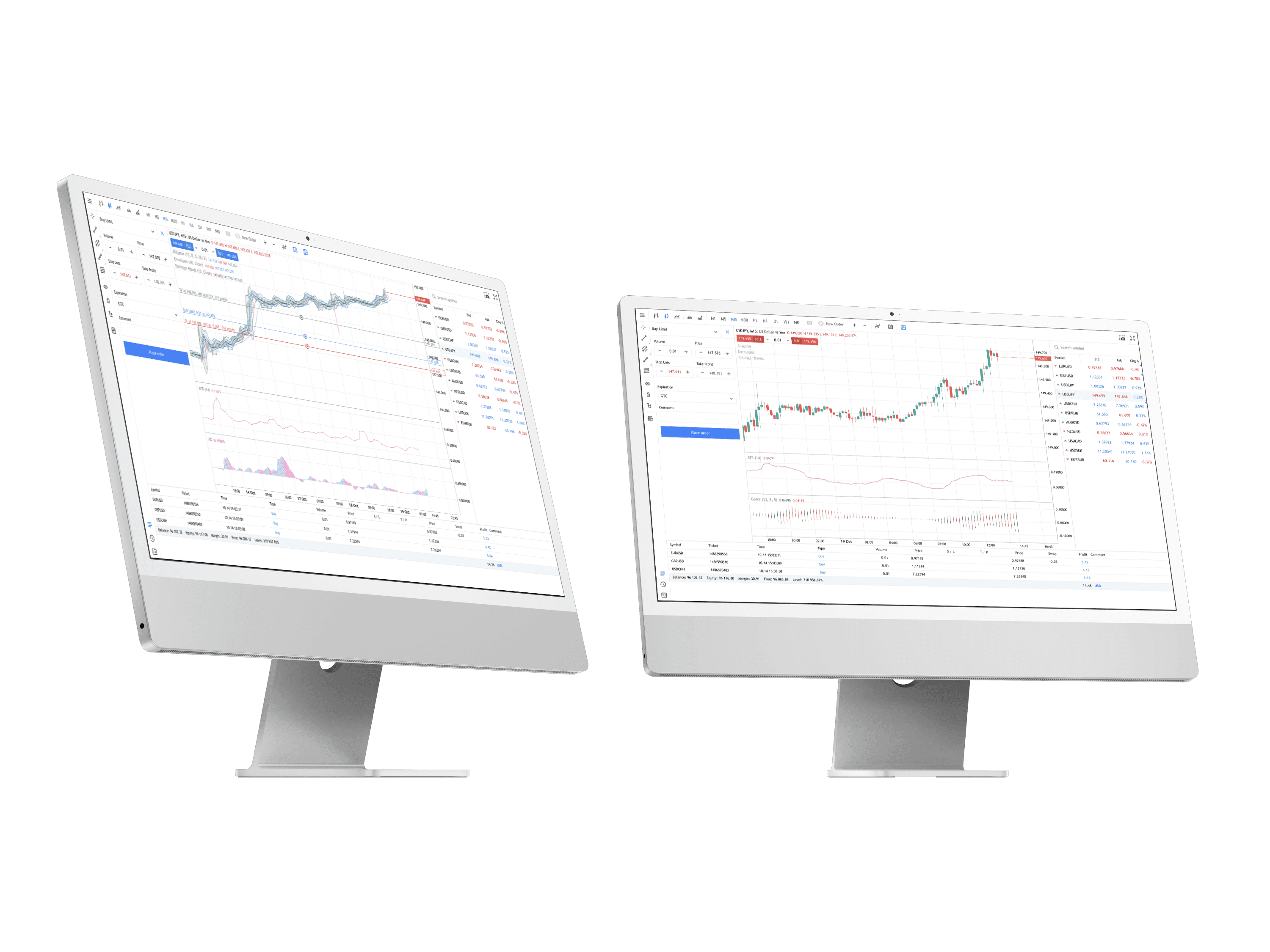
Web
Trade from Chrome, Safari, Edge, Firefox, or Opera with no install. Charts, quotes, and order entry run in the browser with encrypted sessions, using the same Client Area credentials.
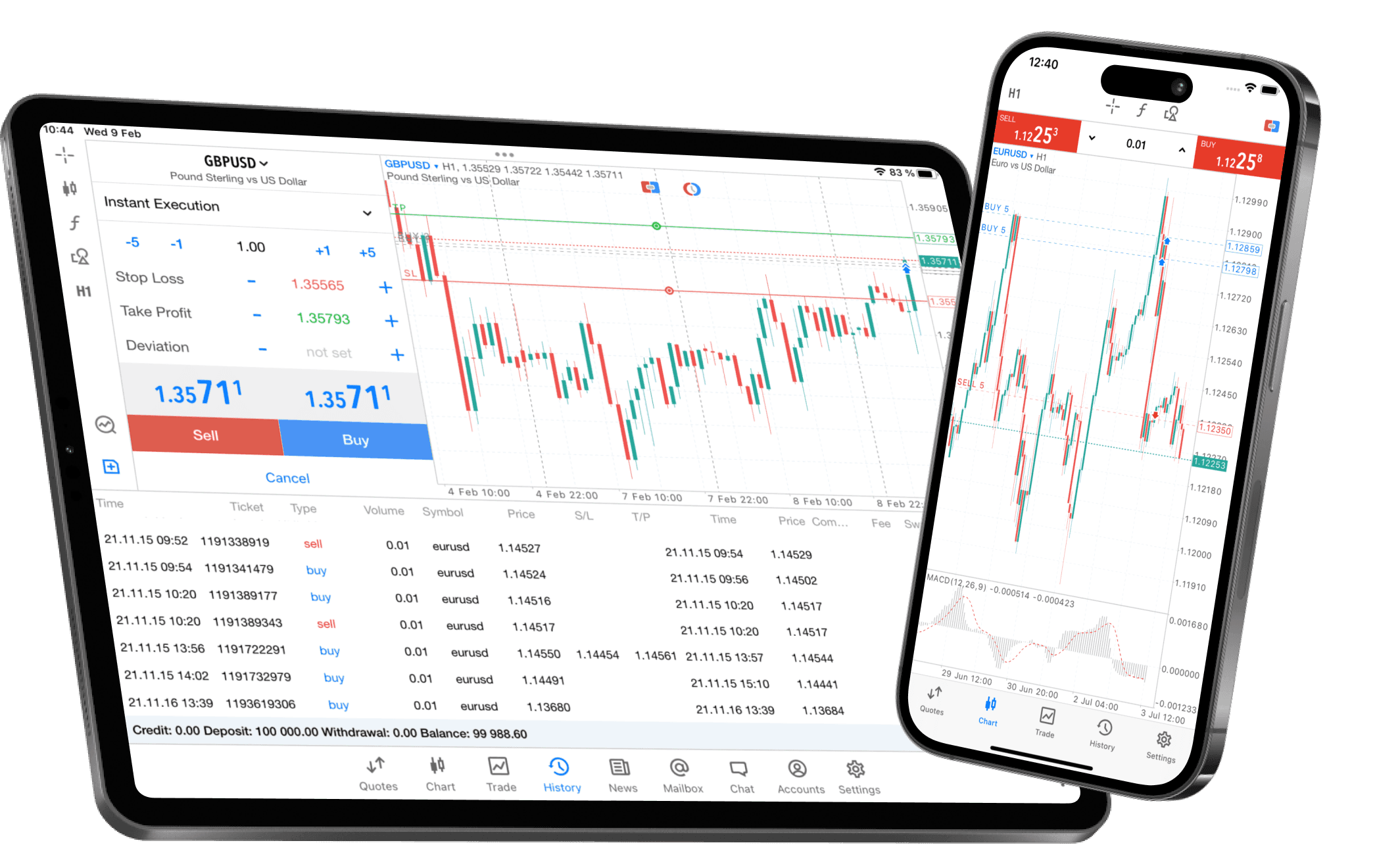
iOS & Android
Free iOS and Android apps for account management, charts, and order entry on the go. Low data use, technical indicators, and push alerts so you can manage positions away from the desk.
Live rates, gold analysis, and copy-trading signals, served by MetaQuotes. Use them here, then place the trade in your Yaamifx MT5 account.
Client Area credentials follow you from desktop to phone to Web Terminal.
Run Expert Advisors on MT5. Optional VPS keeps strategies online overnight.
Mobile apps stay usable on connections common across the region.
Ready when you are
تداول بوضوح مع شريك يفهم أسواقك
Swap-free accounts · Local funding options · Yaamifx desk 24/6